The rise of cryptocurrency has transformed the financial landscape, offering new opportunities for investment and transactions. In Nigeria, the adoption of digital currencies is gaining momentum, and tools like the Arbitrum Wallet are becoming essential for users looking to navigate this space effectively. This guide will provide a comprehensive overview of how to use the Arbitrum Wallet in Nigeria, covering everything from setup to advanced features.
What is Arbitrum?
Arbitrum is a layer-2 scaling solution for Ethereum that enhances transaction speed and reduces costs. By utilizing optimistic rollups, Arbitrum allows users to execute smart contracts and transactions more efficiently. This technology is particularly beneficial for users in regions like Nigeria, where transaction fees on the Ethereum network can be prohibitively high.
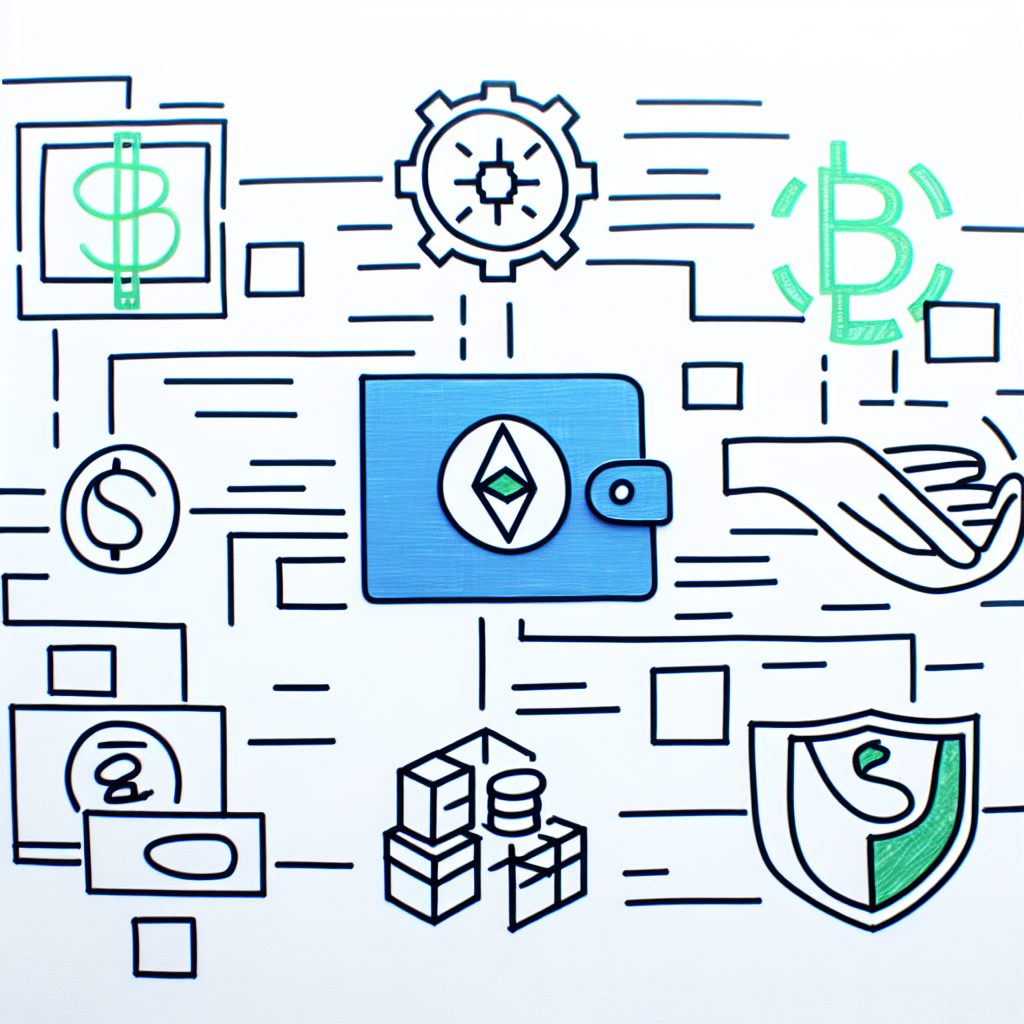
Why Use Arbitrum Wallet?
The Arbitrum Wallet is designed to facilitate seamless interactions with the Arbitrum network. Here are some compelling reasons to consider using it:
- Lower Transaction Fees: Arbitrum significantly reduces gas fees compared to the Ethereum mainnet.
- Faster Transactions: Transactions on Arbitrum are processed much quicker, enhancing user experience.
- Enhanced Security: Built on Ethereum’s robust security model, Arbitrum offers a secure environment for transactions.
- Access to DeFi and DApps: Users can easily interact with decentralized finance (DeFi) platforms and decentralized applications (DApps) on the Arbitrum network.
Setting Up Your Arbitrum Wallet
Step 1: Choose a Wallet Provider
Before you can start using the Arbitrum Wallet, you need to select a wallet provider that supports Arbitrum. Some popular options include:
- MetaMask: A widely used browser extension and mobile app that supports Ethereum and layer-2 solutions like Arbitrum.
- Trust Wallet: A mobile wallet that offers support for various cryptocurrencies, including those on the Arbitrum network.
- Coinbase Wallet: A user-friendly wallet that allows easy access to Arbitrum and other Ethereum-based assets.
Step 2: Download and Install the Wallet
Once you have chosen a wallet provider, download and install the application. For browser extensions like MetaMask, visit the official website and follow the installation instructions. For mobile wallets, download the app from the Google Play Store or Apple App Store.
Step 3: Create a New Wallet
After installation, you will need to create a new wallet. Follow these steps:
- Open the wallet application.
- Select the option to create a new wallet.
- Follow the prompts to set a strong password.
- Backup your recovery phrase securely. This is crucial for recovering your wallet if you lose access.
Step 4: Connect to the Arbitrum Network
To use the Arbitrum Wallet, you must connect it to the Arbitrum network. Here’s how:
- Open your wallet application.
- Navigate to the network settings.
- Select “Add Network” and enter the following details:
- Network Name: Arbitrum One
- RPC URL: https://arb1.arbitrum.io/rpc
- Chain ID: 42161
- Currency Symbol: ETH
- Block Explorer URL: https://arbiscan.io
- Save the settings and switch to the Arbitrum network.
Funding Your Arbitrum Wallet
To start using your Arbitrum Wallet, you need to fund it with Ethereum (ETH) or other supported tokens. Here’s how to do it:
Step 1: Purchase Ethereum
You can buy Ethereum from various cryptocurrency exchanges that operate in Nigeria, such as:
- Binance: A global exchange that offers a wide range of cryptocurrencies.
- Coinbase: A user-friendly platform for buying and selling cryptocurrencies.
- KuCoin: Another popular exchange with a variety of trading pairs.
Step 2: Transfer Ethereum to Your Wallet
Once you have purchased Ethereum, transfer it to your Arbitrum Wallet:
- Copy your wallet address from the Arbitrum Wallet.
- Go to the exchange where you purchased Ethereum.
- Select the option to withdraw or send ETH.
- Paste your Arbitrum Wallet address and confirm the transaction.
Using Your Arbitrum Wallet
Sending and Receiving Tokens
With your wallet funded, you can now send and receive tokens:
- To Send Tokens: Open your wallet, select the token you wish to send, enter the recipient’s address, specify the amount, and confirm the transaction.
- To Receive Tokens: Share your wallet address with the sender. You can find your address in the wallet interface.
Interacting with DeFi Platforms
Arbitrum is home to numerous DeFi platforms that allow you to lend, borrow, and trade cryptocurrencies. Some popular platforms include:
- Uniswap: A decentralized exchange (DEX) for trading tokens.
- Aave: A lending platform where you can earn interest on your crypto holdings.
- Curve Finance: A DEX optimized for stablecoin trading.
To interact with these platforms, simply connect your Arbitrum Wallet by selecting the wallet option on the platform’s interface and following the prompts.
Security Best Practices
Ensuring the security of your Arbitrum Wallet is paramount. Here are some best practices to follow:
- Use Strong Passwords: Create a unique and complex password for your wallet.
- Enable Two-Factor Authentication: If your wallet provider offers this feature, enable it for added security.
- Keep Your Recovery Phrase Safe: Store your recovery phrase in a secure location, preferably offline.
- Be Wary of Phishing Scams: Always verify URLs and avoid clicking on suspicious links.
Common Issues and Troubleshooting
While using the Arbitrum Wallet, you may encounter some common issues. Here are solutions to frequently faced problems:
Transaction Delays
If your transaction is taking longer than expected, it may be due to network congestion. You can check the status of your transaction on Arbiscan.
Wallet Not Connecting
If your wallet fails to connect to the Arbitrum network, ensure that you have entered the correct network settings. Double-check the RPC URL and Chain ID.
Lost Recovery Phrase
If you lose your recovery phrase, you will not be able to access your wallet. Always keep a secure backup of this information.
Frequently Asked Questions (FAQs)
1. Is the Arbitrum Wallet safe to use?
Yes, the Arbitrum Wallet is built on Ethereum’s secure infrastructure. However, users must follow best security practices to protect their assets.
2. Can I use Arbitrum Wallet on my mobile device?
Yes, many wallet providers, such as Trust Wallet and Coinbase Wallet, offer mobile applications that support Arbitrum.
3. What tokens can I store in my Arbitrum Wallet?
You can store any Ethereum-based tokens that are compatible with the Arbitrum network, including ERC-20 tokens.
4. How do I swap tokens on Arbitrum?
You can swap tokens using decentralized exchanges like Uniswap or Sushiswap by connecting your Arbitrum Wallet to the platform.
5. Are there any fees associated with using the Arbitrum Wallet?
While Arbitrum significantly reduces transaction fees compared to Ethereum, there may still be minimal fees for transactions and interactions with DeFi platforms.
Conclusion
The Arbitrum Wallet is a powerful tool for anyone looking to engage with the cryptocurrency ecosystem in Nigeria. By following the steps outlined in this guide, you can set up your wallet, fund it, and start exploring the vast opportunities available on the Arbitrum network. Whether you are interested in trading, investing, or utilizing DeFi services, the Arbitrum Wallet provides a user-friendly and efficient platform to do so.
For more insights and updates on cryptocurrency, visit Bitrabo, your trusted source for crypto news, airdrops, and new listings alerts. Follow us on X, Instagram, Threads, Facebook, and LinkedIn for the latest updates.
Disclaimer: The information provided in this article is for educational purposes only and should not be considered financial advice. Always conduct your own research before making any investment decisions.