MetaMask has emerged as a vital tool for cryptocurrency enthusiasts, especially in regions like Nigeria where digital currencies are gaining traction. This guide will provide a comprehensive overview of how to effectively use MetaMask in Nigeria, covering everything from installation to advanced features.
What is MetaMask?
MetaMask is a cryptocurrency wallet and gateway to blockchain applications. It allows users to manage their Ethereum-based assets and interact with decentralized applications (dApps) directly from their web browsers or mobile devices. With MetaMask, users can send, receive, and store cryptocurrencies securely.
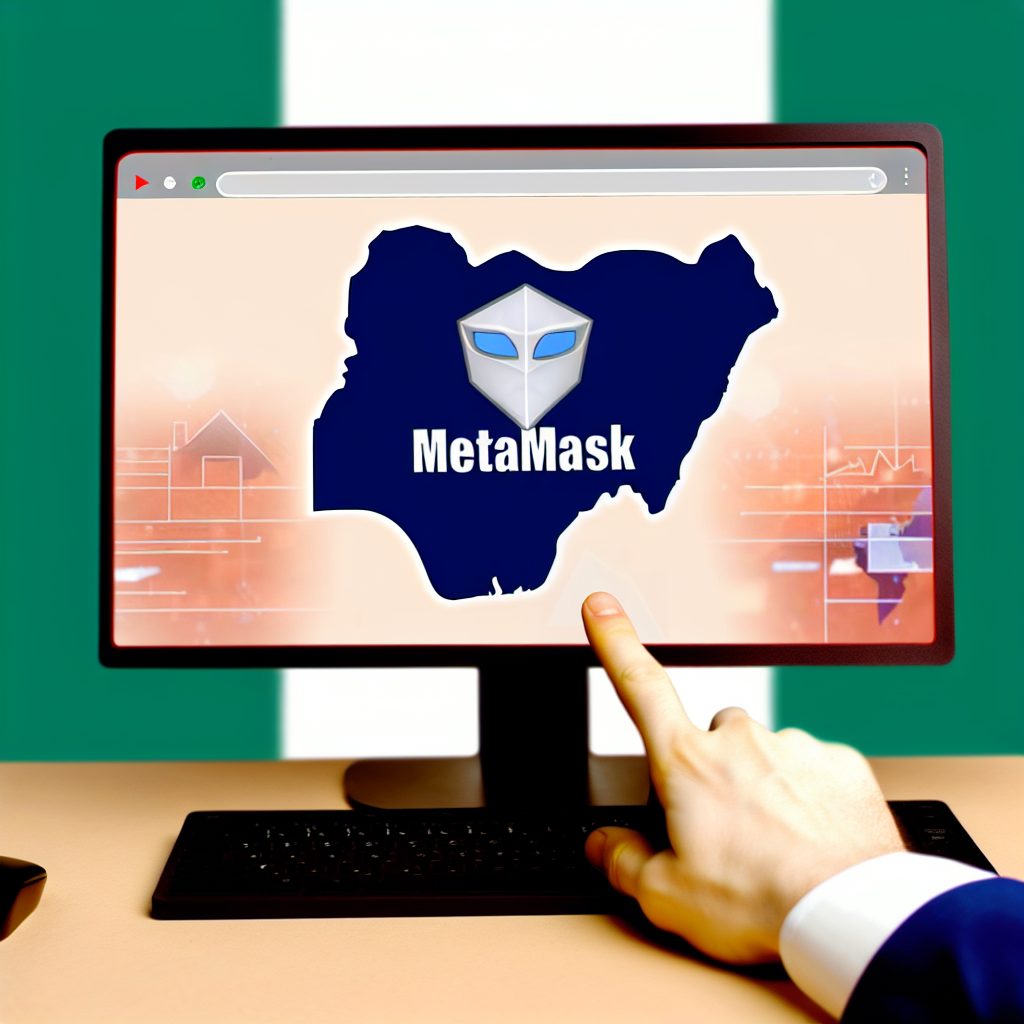
Why Use MetaMask in Nigeria?
Nigeria has seen a significant rise in cryptocurrency adoption, driven by factors such as economic instability, inflation, and the desire for financial independence. Here are some reasons why MetaMask is particularly useful in Nigeria:
- Access to dApps: MetaMask enables users to interact with various decentralized applications, including DeFi platforms and NFT marketplaces.
- Security: MetaMask provides a secure way to store private keys and manage assets without relying on centralized exchanges.
- User-Friendly Interface: The wallet is designed to be intuitive, making it accessible for both beginners and experienced users.
- Community Support: MetaMask has a large user base, providing ample resources and community support for troubleshooting and learning.
Setting Up MetaMask in Nigeria
Step 1: Downloading MetaMask
To get started, you need to download the MetaMask extension or mobile app:
- For Desktop: Visit the MetaMask website and download the browser extension for Chrome, Firefox, or Brave.
- For Mobile: Download the MetaMask app from the Google Play Store or the Apple App Store.
Step 2: Creating a Wallet
Once you have installed MetaMask, follow these steps to create your wallet:
- Open the MetaMask extension or app.
- Click on “Get Started” and then select “Create a Wallet.”
- Set a strong password to protect your wallet.
- MetaMask will provide you with a seed phrase. Write this down and store it securely, as it is the only way to recover your wallet.
Step 3: Adding Funds to Your Wallet
To use MetaMask, you need to add funds to your wallet. Here are a few methods:
- Buying Ethereum: You can purchase Ethereum (ETH) from local exchanges like Luno or Quidax and transfer it to your MetaMask wallet.
- Using P2P Platforms: Platforms like Binance and Remitano allow you to buy ETH directly from other users.
- Direct Transfer: If you already own ETH in another wallet, you can transfer it to your MetaMask wallet using your wallet address.
Using MetaMask for Transactions
Sending and Receiving Cryptocurrency
MetaMask makes it easy to send and receive cryptocurrencies:
- To Send: Click on “Send,” enter the recipient’s wallet address, specify the amount, and confirm the transaction.
- To Receive: Click on “Receive” to display your wallet address. Share this address with the sender.
Interacting with dApps
MetaMask allows you to connect with various decentralized applications. Here’s how:
- Visit a dApp website (e.g., Uniswap, OpenSea).
- Click on the “Connect Wallet” button.
- Select MetaMask from the list of wallets.
- Authorize the connection in your MetaMask wallet.
Security Best Practices
While MetaMask is secure, users must take precautions to protect their assets:
- Keep Your Seed Phrase Safe: Never share your seed phrase with anyone. Store it offline in a secure location.
- Enable Two-Factor Authentication: Use 2FA on your email and other accounts linked to your crypto activities.
- Be Wary of Phishing Scams: Always double-check URLs and avoid clicking on suspicious links.
Common Issues and Troubleshooting
Users may encounter issues while using MetaMask. Here are some common problems and their solutions:
- Transaction Failed: Ensure you have enough ETH for gas fees and check the network status.
- Wallet Not Connecting: Refresh the page or restart your browser. Ensure you are using the latest version of MetaMask.
- Seed Phrase Lost: If you lose your seed phrase, you will not be able to recover your wallet. Always back it up securely.
Advanced Features of MetaMask
Custom Networks
MetaMask allows users to connect to custom networks, which is useful for developers and advanced users:
- Click on the network dropdown at the top of the MetaMask interface.
- Select “Custom RPC.”
- Enter the network details (e.g., name, RPC URL, chain ID).
Token Management
Managing tokens in MetaMask is straightforward:
- Adding Tokens: Click on “Assets,” then “Add Token.” Enter the token contract address to add custom tokens.
- Viewing Token Balances: Your token balances will be displayed under the “Assets” tab.
Frequently Asked Questions (FAQs)
1. Is MetaMask safe to use in Nigeria?
Yes, MetaMask is considered safe, but users must follow security best practices to protect their assets.
2. Can I use MetaMask without a VPN in Nigeria?
While a VPN is not mandatory, using one can enhance your privacy and security when accessing crypto platforms.
3. What cryptocurrencies can I store in MetaMask?
MetaMask primarily supports Ethereum and ERC-20 tokens, but you can also add custom tokens.
4. How do I recover my MetaMask wallet?
You can recover your wallet using your seed phrase. Ensure you have it stored securely.
5. Can I use MetaMask on mobile?
Yes, MetaMask has a mobile app available for both Android and iOS devices.
Conclusion
MetaMask is an essential tool for anyone looking to navigate the cryptocurrency landscape in Nigeria. By following the steps outlined in this guide, you can set up your wallet, manage your assets, and interact with decentralized applications securely. As the crypto industry continues to evolve, staying informed and utilizing tools like MetaMask will empower you to make the most of your digital assets.
For more insights, news, and updates in the crypto space, visit Bitrabo. Follow us on X, Instagram, Threads, Facebook, and LinkedIn for the latest updates.
Disclaimer: This article is for informational purposes only and should not be considered financial advice. Always do your own research before investing in cryptocurrencies.