The rise of cryptocurrency has transformed the financial landscape globally, and Nigeria is no exception. With the increasing adoption of digital currencies, many Nigerians are exploring various wallets to manage their crypto assets. Among these, the Solana wallet stands out due to its speed, low transaction fees, and robust ecosystem. This guide will provide a comprehensive overview of how to effectively use a Solana wallet in Nigeria, covering everything from setup to security measures.
Understanding Solana and Its Wallets
Solana is a high-performance blockchain platform designed for decentralized applications and crypto projects. Its unique architecture allows for fast transaction speeds and low costs, making it an attractive option for users and developers alike. The Solana wallet is a digital tool that enables users to store, send, and receive SOL (the native cryptocurrency of the Solana network) and other tokens built on the Solana blockchain.
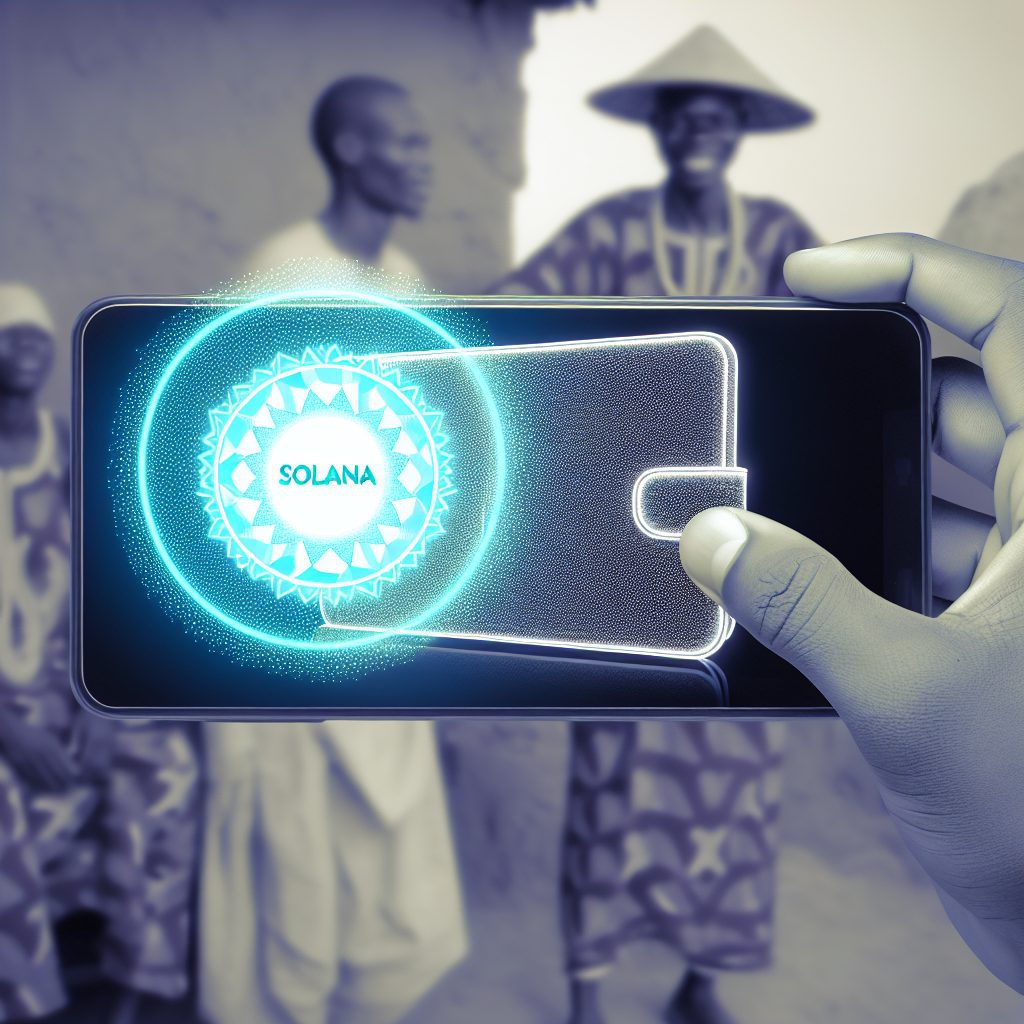
Types of Solana Wallets
There are several types of wallets available for Solana users, each with its own features and benefits:
- Web Wallets: These are browser-based wallets that allow users to access their funds from any device with internet connectivity. Examples include Phantom and Sollet.
- Mobile Wallets: Designed for smartphones, these wallets offer convenience and portability. Examples include Solflare and Trust Wallet.
- Hardware Wallets: These are physical devices that store your private keys offline, providing enhanced security. Examples include Ledger and Trezor.
- Desktop Wallets: Software applications installed on your computer, offering a balance between security and convenience. Examples include Solana Wallet and Exodus.
Setting Up Your Solana Wallet in Nigeria
Setting up a Solana wallet is a straightforward process. Here’s a step-by-step guide to help you get started:
Step 1: Choose Your Wallet
Decide which type of wallet suits your needs best. For beginners, a web or mobile wallet is often the easiest to use. If security is your primary concern, consider a hardware wallet.
Step 2: Download or Access the Wallet
If you choose a mobile or desktop wallet, download the application from the official website or app store. For web wallets, simply navigate to the wallet’s website.
Step 3: Create a New Wallet
Follow the prompts to create a new wallet. This usually involves:
- Setting a strong password.
- Generating a recovery phrase (seed phrase). This is crucial for recovering your wallet if you forget your password or lose access to your device.
Important: Store your recovery phrase securely and never share it with anyone. Anyone with access to this phrase can control your funds.
Step 4: Fund Your Wallet
To start using your Solana wallet, you need to fund it. You can purchase SOL through various exchanges that operate in Nigeria, such as Binance or Luno. Once you have acquired SOL, transfer it to your wallet using your wallet address.
Using Your Solana Wallet
Once your wallet is set up and funded, you can start using it for various transactions. Here’s how:
Sending and Receiving SOL
To send SOL to another wallet:
- Open your wallet application.
- Select the option to send or transfer.
- Enter the recipient’s wallet address and the amount you wish to send.
- Confirm the transaction details and authorize the transfer.
To receive SOL:
- Open your wallet application.
- Find your wallet address (usually displayed prominently).
- Share this address with the sender.
Interacting with Decentralized Applications (dApps)
Solana’s ecosystem is rich with dApps ranging from decentralized finance (DeFi) platforms to NFT marketplaces. To interact with these dApps:
- Connect your wallet to the dApp by selecting the wallet option on the platform.
- Authorize the connection, allowing the dApp to interact with your wallet.
- Follow the dApp’s instructions to perform transactions, such as swapping tokens or minting NFTs.
Security Best Practices for Your Solana Wallet
Security is paramount when dealing with cryptocurrencies. Here are some best practices to keep your Solana wallet secure:
- Use Strong Passwords: Create complex passwords that are difficult to guess.
- Enable Two-Factor Authentication (2FA): If your wallet supports it, enable 2FA for an extra layer of security.
- Keep Your Software Updated: Regularly update your wallet application to protect against vulnerabilities.
- Be Wary of Phishing Scams: Always verify the authenticity of websites and links before entering your wallet information.
- Backup Your Wallet: Regularly back up your wallet and recovery phrase in a secure location.
Common Issues and Troubleshooting
While using a Solana wallet, you may encounter some common issues. Here are solutions to frequently faced problems:
Transaction Delays
If your transaction is taking longer than expected, it may be due to network congestion. Check the Solana network status on platforms like Solana Beach to see if there are any ongoing issues.
Accessing Your Wallet
If you forget your password, use the recovery phrase to restore access to your wallet. If you lose both, unfortunately, your funds may be irretrievable.
Connecting to dApps
If you have trouble connecting your wallet to a dApp, ensure that you are using the correct wallet and that your browser is compatible. Clearing your browser cache may also help.
Frequently Asked Questions (FAQs)
1. Is it safe to use a Solana wallet in Nigeria?
Yes, using a Solana wallet is generally safe, provided you follow security best practices and choose reputable wallet providers.
2. Can I buy SOL directly in Nigeria?
Yes, you can purchase SOL through various exchanges that operate in Nigeria, such as Binance and Luno.
3. What should I do if I lose my recovery phrase?
If you lose your recovery phrase, you will not be able to access your wallet or recover your funds. Always store it securely.
4. Are there any fees associated with using a Solana wallet?
Yes, while Solana boasts low transaction fees, there may be fees associated with exchanges and certain dApps.
5. How can I ensure my wallet is secure?
Use strong passwords, enable 2FA, keep your software updated, and be cautious of phishing attempts.
Conclusion
Using a Solana wallet in Nigeria opens up a world of opportunities in the cryptocurrency space. With its fast transaction speeds and low fees, Solana is an excellent choice for both beginners and experienced users. By following the steps outlined in this guide, you can set up your wallet, manage your assets, and engage with the vibrant Solana ecosystem securely.
For more insights and updates on cryptocurrency, visit Bitrabo, your trusted source for crypto news, airdrops, and new listings alerts. Stay connected with us on social media: X, Instagram, Threads, Facebook, and LinkedIn.
Disclaimer: This article is for informational purposes only and does not constitute financial advice. Always conduct your own research before investing in cryptocurrencies.