In the cryptocurrency landscape, security is paramount. As digital assets become increasingly valuable, the need for robust security measures has never been more critical. One of the most effective ways to enhance the security of your cryptocurrency wallet is by implementing Two-Factor Authentication (2FA). This guide will walk you through the process of setting up 2FA for various types of wallets, ensuring that your digital assets remain safe from unauthorized access.
What is Two-Factor Authentication (2FA)?
Two-Factor Authentication (2FA) is a security process that requires two different forms of identification to access an account. This typically involves something you know (like a password) and something you have (like a mobile device). By requiring two forms of verification, 2FA significantly reduces the risk of unauthorized access, even if your password is compromised.
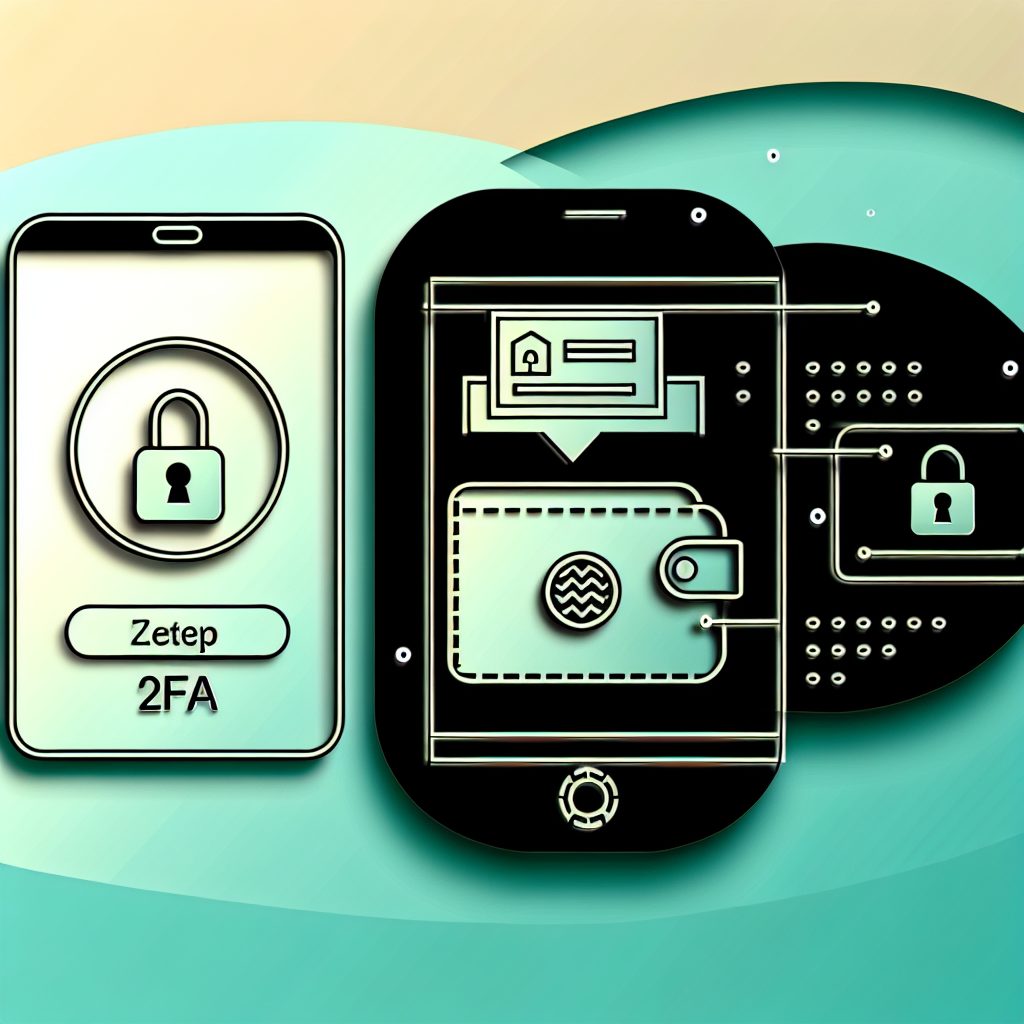
Why is 2FA Important for Cryptocurrency Wallets?
Cryptocurrency wallets are prime targets for hackers due to the high value of digital assets. Implementing 2FA provides an additional layer of security, making it much harder for attackers to gain access to your funds. Here are some key reasons why 2FA is essential:
- Enhanced Security: Even if your password is stolen, the attacker would still need access to your second factor.
- Peace of Mind: Knowing that your wallet is protected by 2FA allows you to focus on trading and investing without constant worry.
- Compliance: Many exchanges and wallets require 2FA for compliance with regulatory standards.
Types of 2FA Methods
There are several methods to implement 2FA, each with its own advantages and disadvantages. Understanding these methods will help you choose the best option for your needs.
1. SMS-Based 2FA
SMS-based 2FA sends a one-time code to your mobile phone via text message. While convenient, this method is vulnerable to SIM swapping attacks, where an attacker tricks your mobile carrier into transferring your number to their device.
2. Authenticator Apps
Authenticator apps like Google Authenticator, Authy, and Microsoft Authenticator generate time-based one-time passwords (TOTPs). These codes are more secure than SMS because they are not transmitted over the network.
3. Hardware Tokens
Hardware tokens, such as YubiKey, provide a physical device that generates a one-time code or connects via USB. This method is highly secure but requires carrying an additional device.
4. Biometric Authentication
Some wallets offer biometric options like fingerprint or facial recognition. While convenient, these methods depend on the security of your device.
How to Set Up 2FA for Different Wallets
Setting up 2FA can vary depending on the type of wallet you are using. Below, we will cover the steps for setting up 2FA on popular wallet types: software wallets, hardware wallets, and exchange wallets.
1. Setting Up 2FA on Software Wallets
Software wallets, such as Exodus or Electrum, often have built-in 2FA options. Here’s how to set it up:
- Download and Install: Ensure you have the latest version of your software wallet.
- Access Security Settings: Navigate to the security or settings section of the wallet.
- Enable 2FA: Look for the option to enable 2FA and select your preferred method (SMS or authenticator app).
- Follow Prompts: Follow the on-screen instructions to link your phone or authenticator app.
- Backup Codes: Save any backup codes provided during the setup process in a secure location.
2. Setting Up 2FA on Hardware Wallets
Hardware wallets like Ledger and Trezor typically do not require 2FA for accessing the wallet itself, but they can be used in conjunction with software wallets or exchanges. Here’s how to enhance security:
- Connect Your Hardware Wallet: Plug in your hardware wallet and open the associated software.
- Access Security Settings: Navigate to the security settings of the software.
- Enable 2FA: If available, enable 2FA using an authenticator app.
- Secure Your Recovery Phrase: Ensure your recovery phrase is stored securely, as it is crucial for wallet recovery.
3. Setting Up 2FA on Exchange Wallets
Exchanges like Binance, Coinbase, and Kraken offer 2FA to protect your account. Here’s how to set it up:
- Log In to Your Account: Access your exchange account.
- Navigate to Security Settings: Find the security or account settings section.
- Enable 2FA: Choose your preferred method (SMS or authenticator app).
- Follow Instructions: Follow the prompts to link your phone or app.
- Backup Codes: Save any backup codes provided during the setup process.
Best Practices for 2FA
While 2FA significantly enhances security, following best practices can further protect your cryptocurrency assets:
- Use Authenticator Apps: Whenever possible, opt for authenticator apps over SMS for better security.
- Keep Backup Codes Safe: Store backup codes in a secure location, such as a password manager or a safe.
- Regularly Update Your Passwords: Change your passwords periodically and use strong, unique passwords for each account.
- Be Wary of Phishing Attacks: Always verify the authenticity of emails or messages requesting your 2FA codes.
- Enable 2FA on All Accounts: Don’t limit 2FA to just your wallet; enable it on all accounts related to cryptocurrency.
Common Issues and Troubleshooting
Setting up 2FA can sometimes lead to issues. Here are some common problems and how to resolve them:
1. Lost Access to Authenticator App
If you lose access to your authenticator app, you may be locked out of your account. Always keep backup codes in a secure location to regain access.
2. Phone Number Change
If you change your phone number, update your 2FA settings immediately to avoid losing access. Most exchanges allow you to change your phone number in the security settings.
3. Time Sync Issues
Authenticator apps rely on accurate time settings. If you notice that the codes are not working, ensure that your device’s time is set correctly.
FAQs
What happens if I lose my 2FA device?
If you lose your 2FA device, you can use backup codes to regain access. If you don’t have backup codes, you may need to contact customer support for recovery options.
Is 2FA foolproof?
While 2FA significantly enhances security, it is not entirely foolproof. Always combine it with strong passwords and other security measures.
Can I use 2FA on multiple devices?
Yes, many authenticator apps allow you to set up multiple devices. However, ensure that you keep your backup codes secure in case you lose access to one of the devices.
What should I do if I receive a 2FA code I didn’t request?
If you receive a 2FA code that you did not request, it may indicate that someone is trying to access your account. Change your password immediately and review your account for any unauthorized activity.
Conclusion
Setting up Two-Factor Authentication (2FA) for your cryptocurrency wallets is a crucial step in safeguarding your digital assets. By following the steps outlined in this guide, you can significantly reduce the risk of unauthorized access to your funds. Remember to choose the most secure 2FA method available, keep your backup codes safe, and stay vigilant against potential threats.
For more information on cryptocurrency security and the latest news in the crypto space, visit Bitrabo. Follow us on X, Instagram, Threads, Facebook, and LinkedIn for updates on crypto news, airdrops, and new listings.
Disclaimer: The information provided in this article is for educational purposes only and should not be considered financial advice. Always do your own research before making any investment decisions.